Receiving Private Messages
New Message Alerts
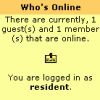
You will also see an alert in the left hand menu in the section that says 'Who is online'. This is an animated envelope, that is displayed like this:
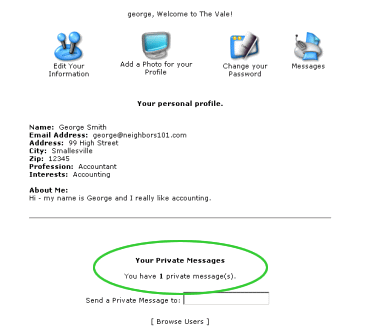
Existing MessagesAt the foot of the My Account page, you will be notified how many messages remain in your message system. See figure below:
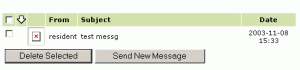
To Read A MessageAll messages that you have received will be displayed as a list, in summary form, as shown here:
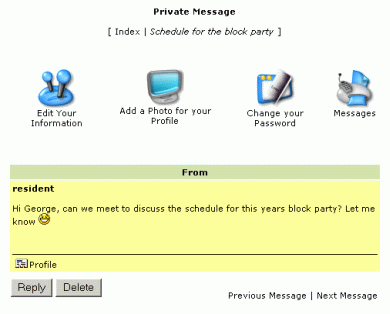
To view a message, just click on the "From" name or the "Subject" text. You will then see the details of the message. From here you can delete the message or reply.
What do you want to do?
|
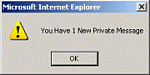 You
will receive an alert every time you login if you have any unread
messages.
You
will receive an alert every time you login if you have any unread
messages.