Sending Private Messages

 To
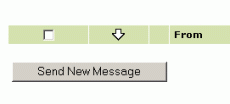
send a private message, click on the "Send New Message" button
inside the Messages page. To
send a private message, click on the "Send New Message" button
inside the Messages page.
Then you can create a message using
the form as shown below:
- Enter the user-ID of the person you are sending to. If you
do not know this, then browse the Members Directory to find their
username.
- Give the message a subject
- Type in your message. You can use 'smilies' to
add emotion and humor to your message. To add a 'smilie', just
click
on the icon and it will be inserted into your message!.
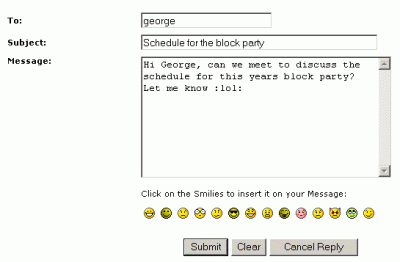
This is what the 'smilies' all look like!

What do you want to do?
Click here for the Main Help menu
|